


SOUND 01
Lofi Epiano + Soft Rain
0:00
/
0:00
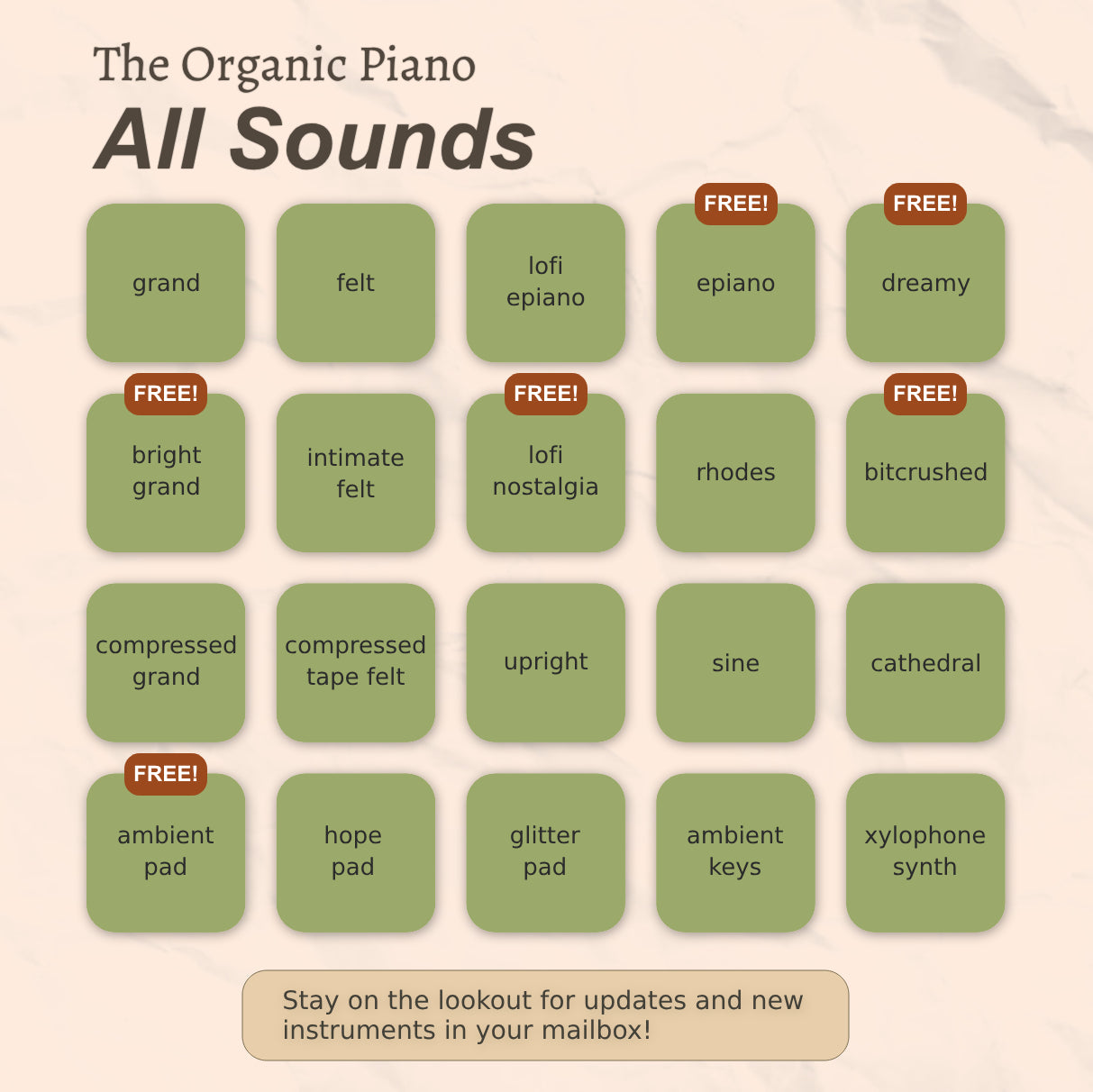
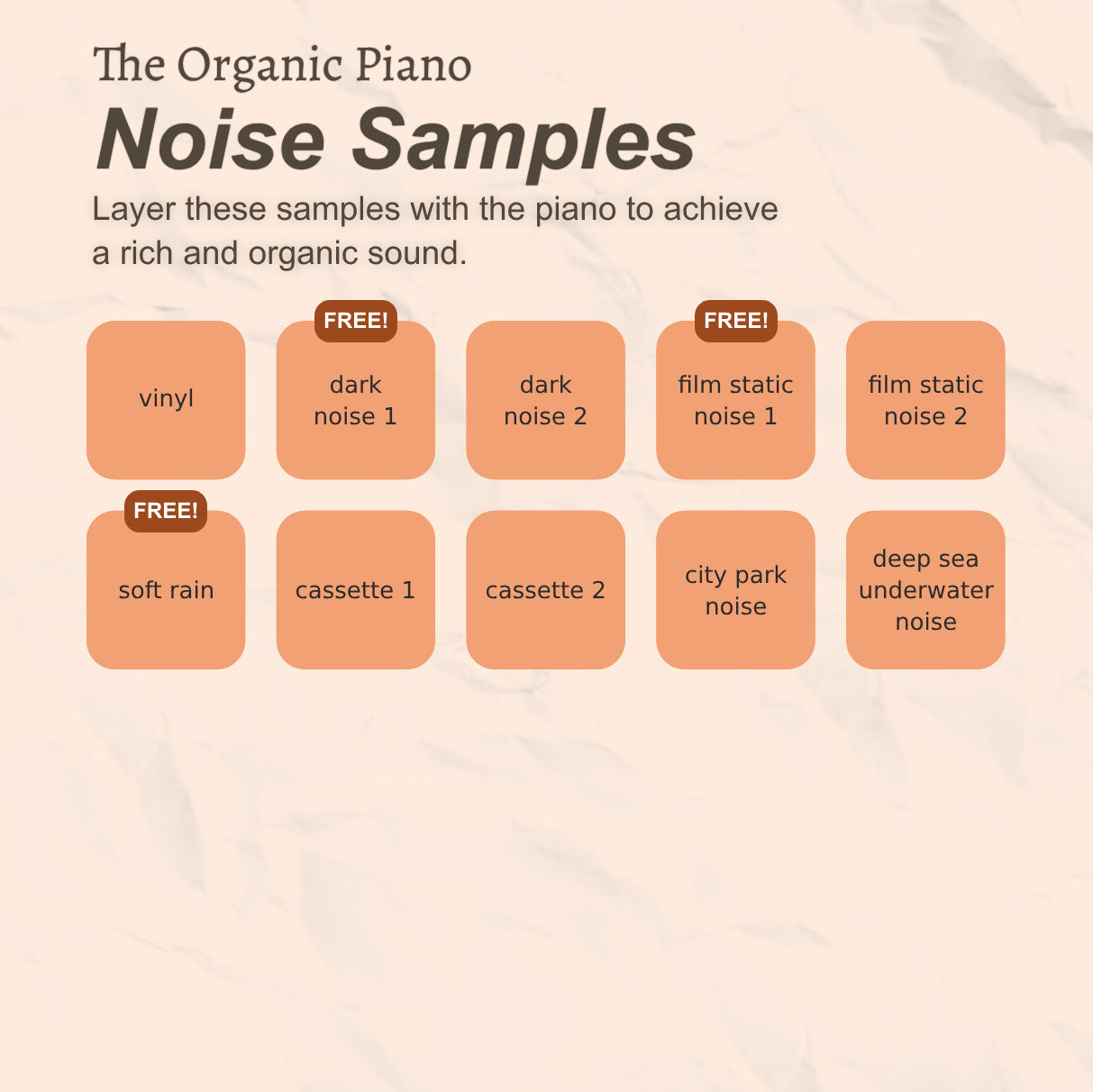
The Pro Edition includes 20 high-quality piano sounds and 10 organic noise layers, lifetime free updates, and (occasional) new piano sounds delivered to your email at no extra cost. It’s designed for users who want the full range of features and regular content updates. Ideal for serious producers and composers looking for long-term value.
The Free version comes with 6 piano sounds and 3 noise layers, offering a preview of the plugin’s capabilities. It’s suited for those who want to test the features before committing to the Pro version. A simple way to explore without any cost.
Couldn't load pickup availability
 Windows 10 or 11
 Apple macOS
No external effects were applied — everything you hear comes straight from The Organic Piano.
For the best experience, listen with headphones or stereo speakers.
Start with a characterful piano. Then add the details, textures and movement that make it fit your music.

Everything you need to shape your sound, right where you need it.
Bring out the little things that make a piano feel alive, from the touch of the keys to the space around each note.
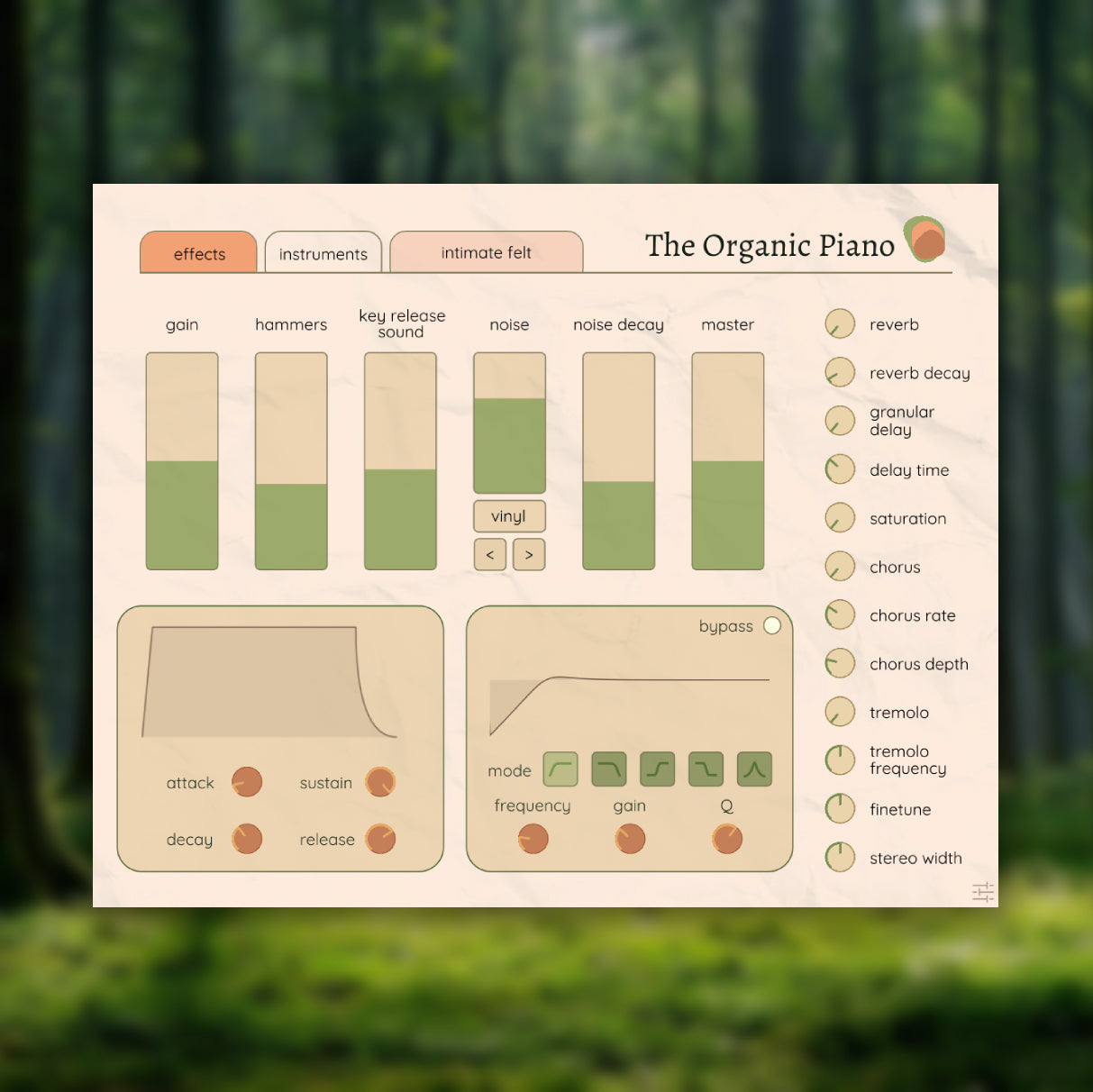
Adjust the piano, hammer impact, key release, noise layer and master volume.
Blend in textures like rain, vinyl crackle or film static to change the mood.
Explore reverb, tremolo, chorus, delay, saturation and stereo shaping.
Use envelope controls and EQ to shape the response and tone.

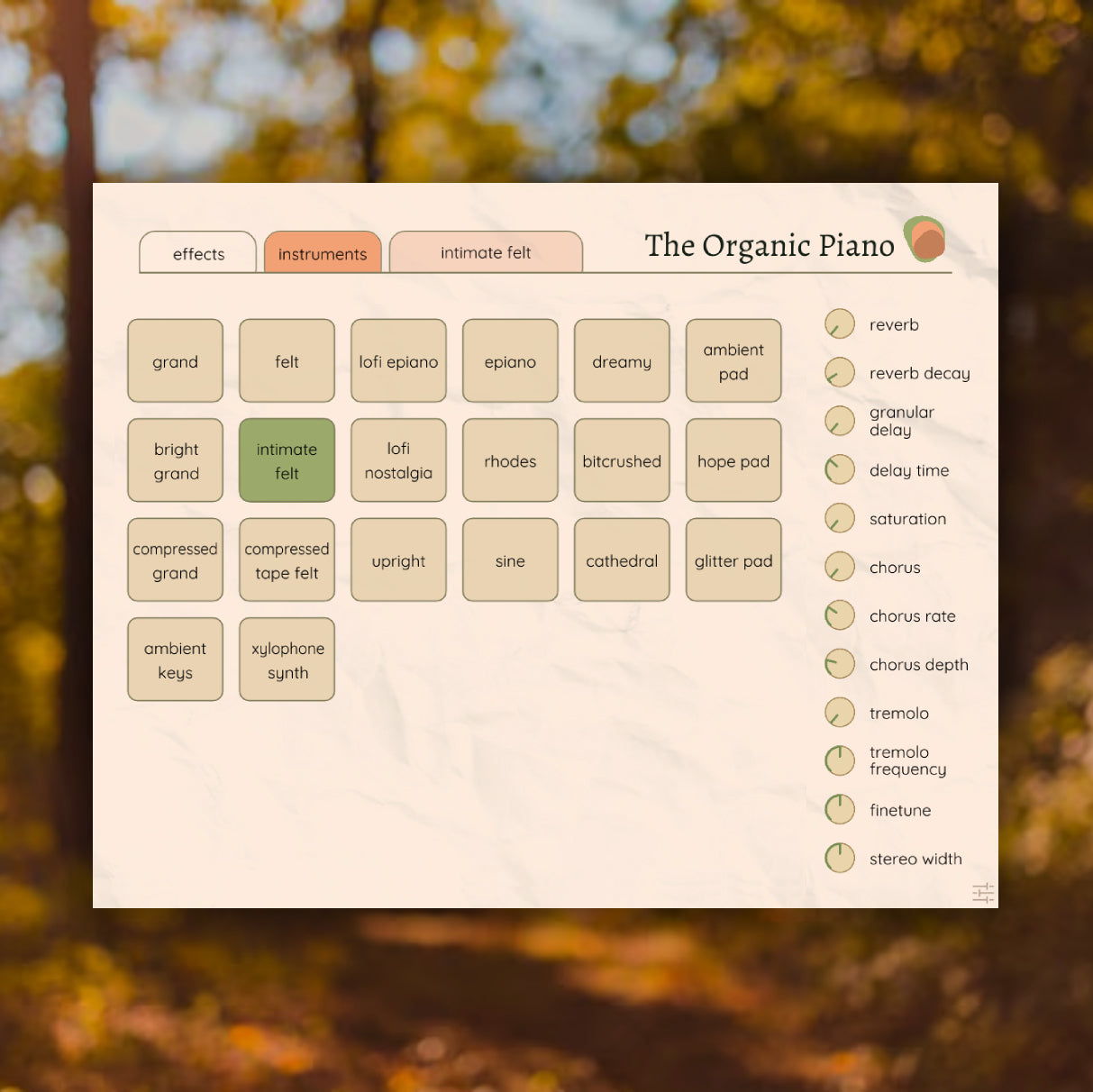
A collection of piano sounds for different moods and moments.
Sometimes it's a familiar grand. Sometimes it's a soft felt piano or a hazy, nostalgic keyboard. The Organic Piano gives you different places to begin.
Explore 6 instruments in the Free Edition or the complete 20-instrument collection in Pro.
Is this virtual instrument for Windows and Mac?
Yes, the plugin works on both Windows and macOS.
01
What are the system requirements? What size is the plugin?
We recommend having at least 2 GB of RAM. The plugin and samples are less than 1 GB in total.
02
How do I install the plugin and samples? Is there an installation guide? Troubleshooting?
03
What is your refund policy?
Since this is a non-physical product, we sadly cannot offer refunds. If you're uncertain whether the plugin is something for you, make sure to try out The Original Piano FREE version before purchasing the PREMIUM version.
04
Do you provide product support?
Yes, for support, please contact us here. We're very sorry for long delays to get a reply, we're a small company and we try our best :).
05
Where can I find my download after purchase?
You can find and download the plugin and samples from your account. Click the "My Downloads" section in the menu bar. After purchase, you will also be sent an email with a link to your download.
06
Are updates free?
Yes, if you own the PREMIUM version, then you have access to lifetime free updates! Make sure to click the subscribe box at checkout. Check your mailbox for free occasional new piano sounds!
07
Do you offer a free trial or demo version?
You can try The Original Piano with the FREE version, which includes 3 piano sounds to give you a taste of the full experience.
08
Where can I find the license key?
You can find the license key inside one of the emails that you receive after purchasing the plugin (check your spam/junk folder, one of the emails might end up here). You can also find the license key on the "My Downloads" page.
09
How do I upgrade from the Free to the Pro Edition
Purchase the pro edition on the top of this page and follow the instructions for "updating or upgrading your plugin" on this page.
10
Windows 10 or 11
Apple macOS